AI-generated documents
Receipts and invoices made by image generators, caught from Content Credentials and metadata the generator leaves behind.
Upload a receipt, invoice, bank statement, or pay stub. FraudWorks checks the file, the pixels, and the math, and shows you exactly what looks wrong.
provenance · structure · content
In a 2026 study of more than 3,000 AI-forged receipts and forms, human reviewers spotted the fakes only about half the time. Source
What it catches
Four kinds of document fraud, each caught by more than one check, so no single weak signal decides.
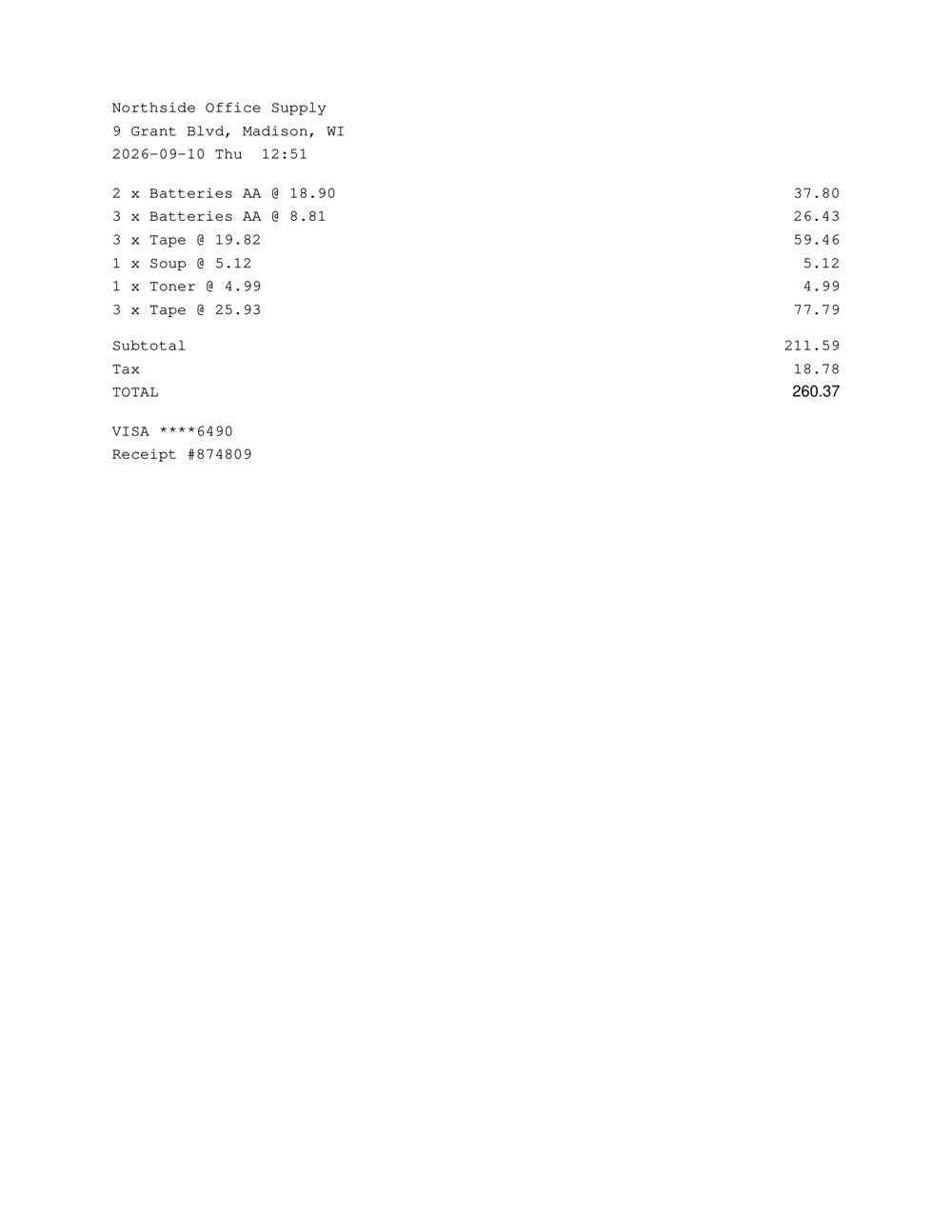
Receipts and invoices made by image generators, caught from Content Credentials and metadata the generator leaves behind.
A white box over the old number, a new number on top. Caught in the PDF structure, the fonts, and the math.
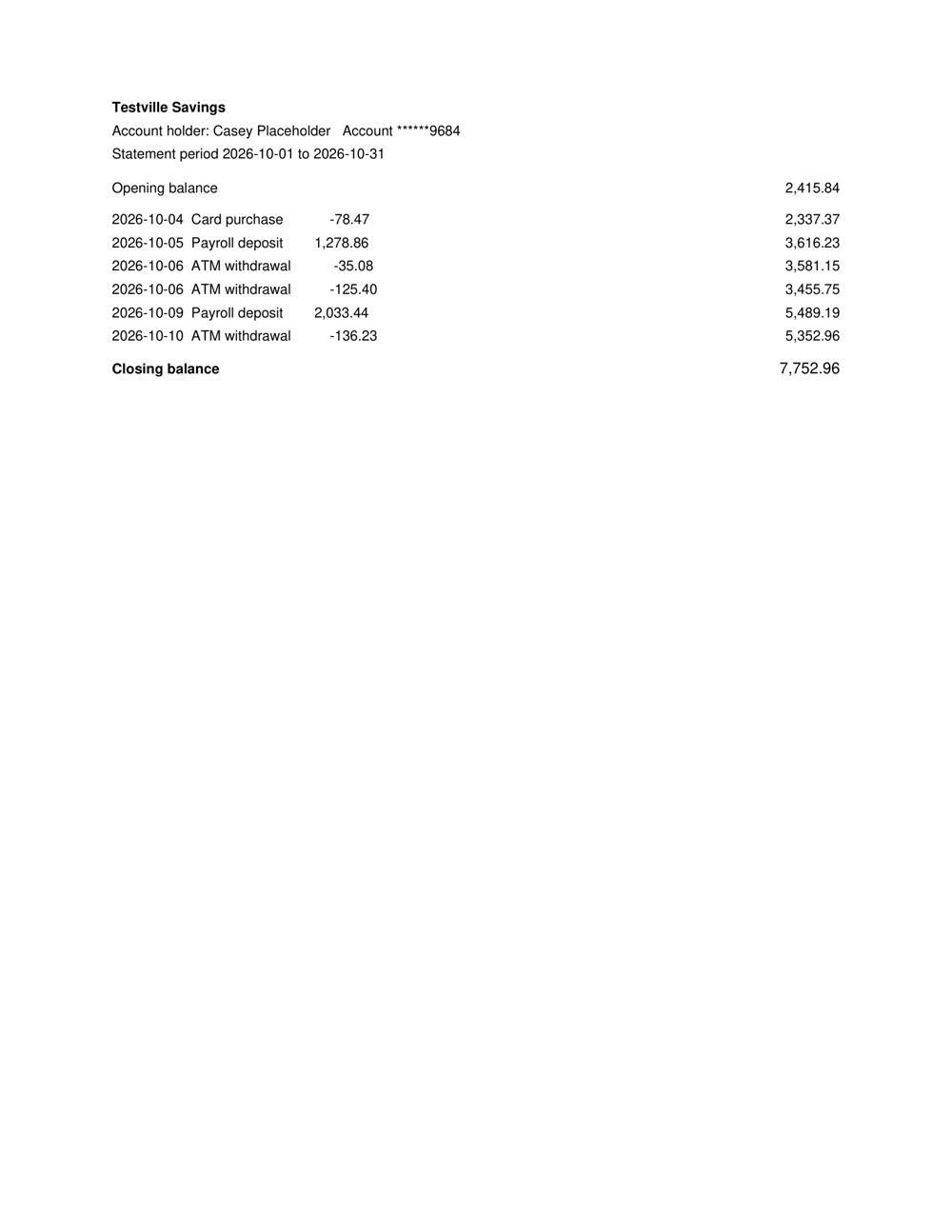
Balances that do not follow from the transactions, and statements re-saved in a consumer PDF editor.
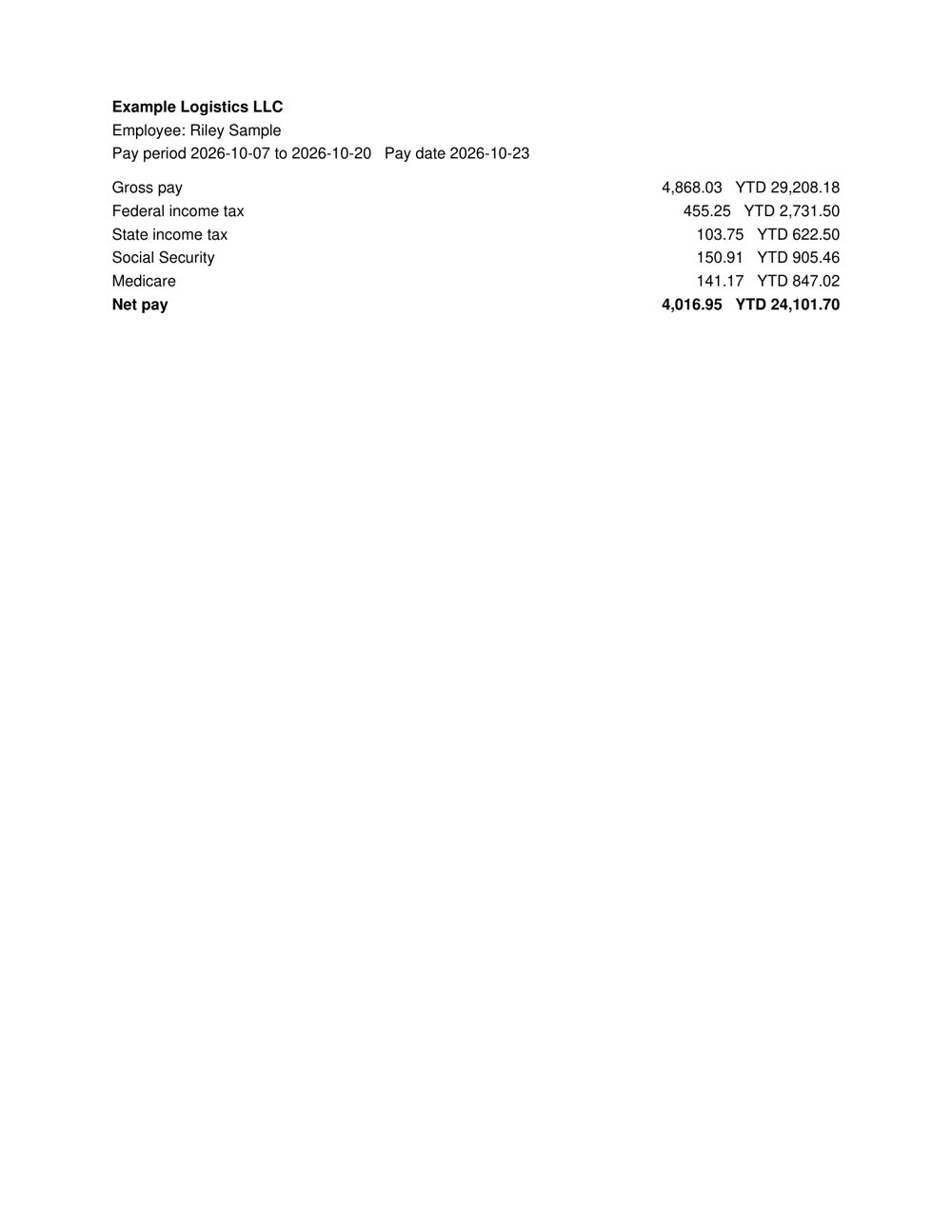
Net pay that does not add up, Social Security and Medicare at the wrong rates, year-to-date figures that go backwards.
The result
No black-box score. Each result lists what fired, why, and where on the page.
Closing balance does not add up. Edited with a consumer PDF editor.
chk_A34Y8C2S1ATVS7P99Y54HAZZZV · engine 1.0.0
How it works
AI-image classifiers alone are wrong too often. FraudWorks checks provenance, structure, pixels, and the math, then combines them.
Compression history, noise, and cloned regions in photos and scans.
image_noise_inconsistencyTotals, taxes, running balances, dates, and routing numbers, checked in code.
math_total_mismatchLooks real. Isn't.
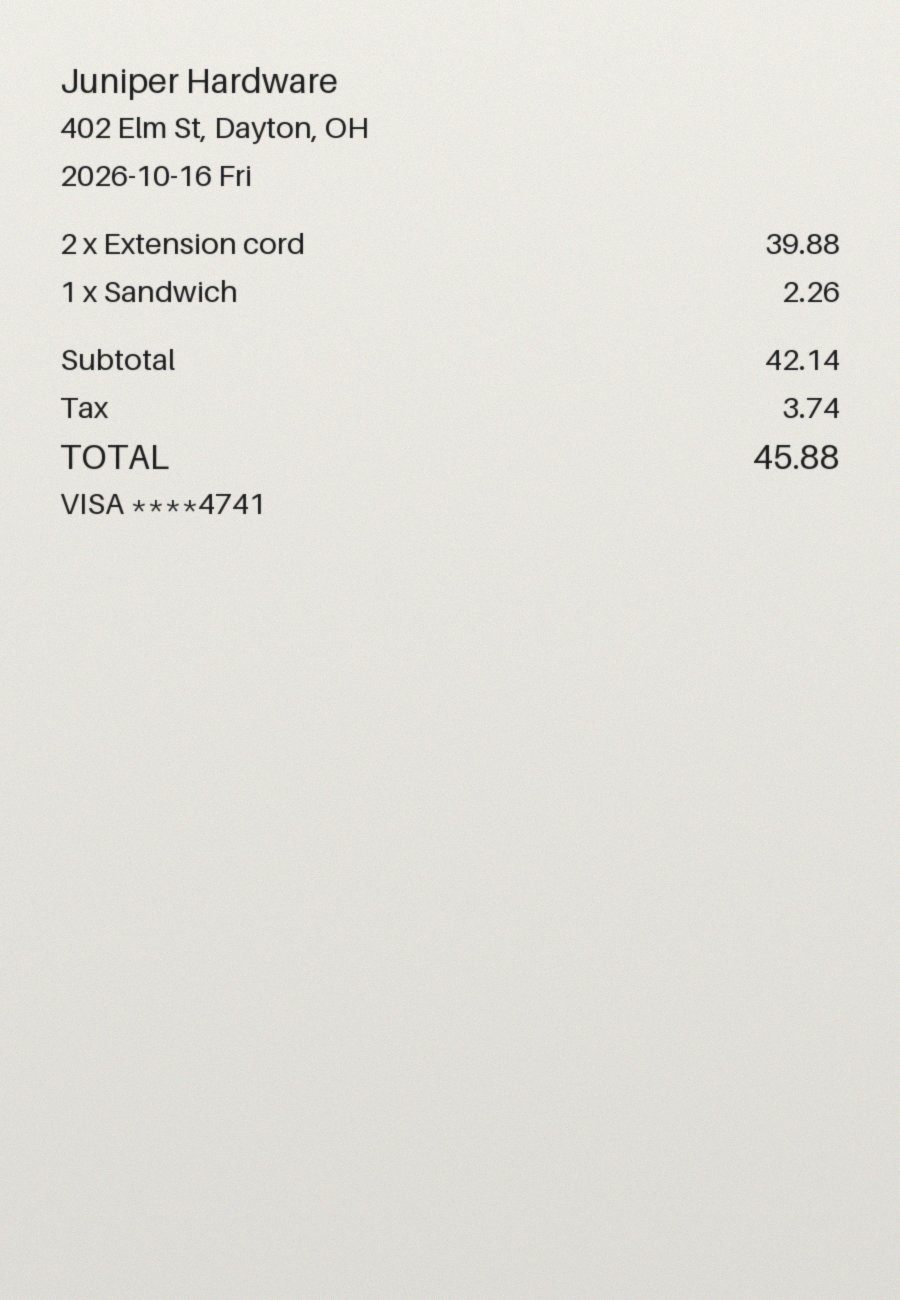
This receipt's total was covered with a white box and retyped. On screen it looks fine.
Nothing obvious
Use cases
Catch fake and inflated receipts in expense reports.
Check pay stubs and bank statements applicants send.
Review statements and income documents in a loan file.
Stop fake purchase receipts from claiming payouts.
Privacy
Statements and pay stubs carry names, account numbers, and income. How we handle them.
They are analyzed in memory and discarded when the result is returned.
We do not train models on documents you check.
Every upload and result travels over TLS.
Developers
Every check returns the same JSON the dashboard uses, so automating it later is a small step. The public API is not open yet.
Read the result format{
"id": "chk_VCV137RGZJKN4G30X4PHCTZZ1P",
"verdict": "likely_tampered",
"risk_score": 95,
"signals": [
{
"id": "math_total_mismatch",
"title": "Total does not add up",
"page": 1
},
{
"id": "pdf_text_overlay",
"title": "Text replaced by drawing over it",
"page": 1
}
]
}Try the live demo on a sample or on your own file. No account needed.